


EP 83: Image SEO Made Simple for Photographers
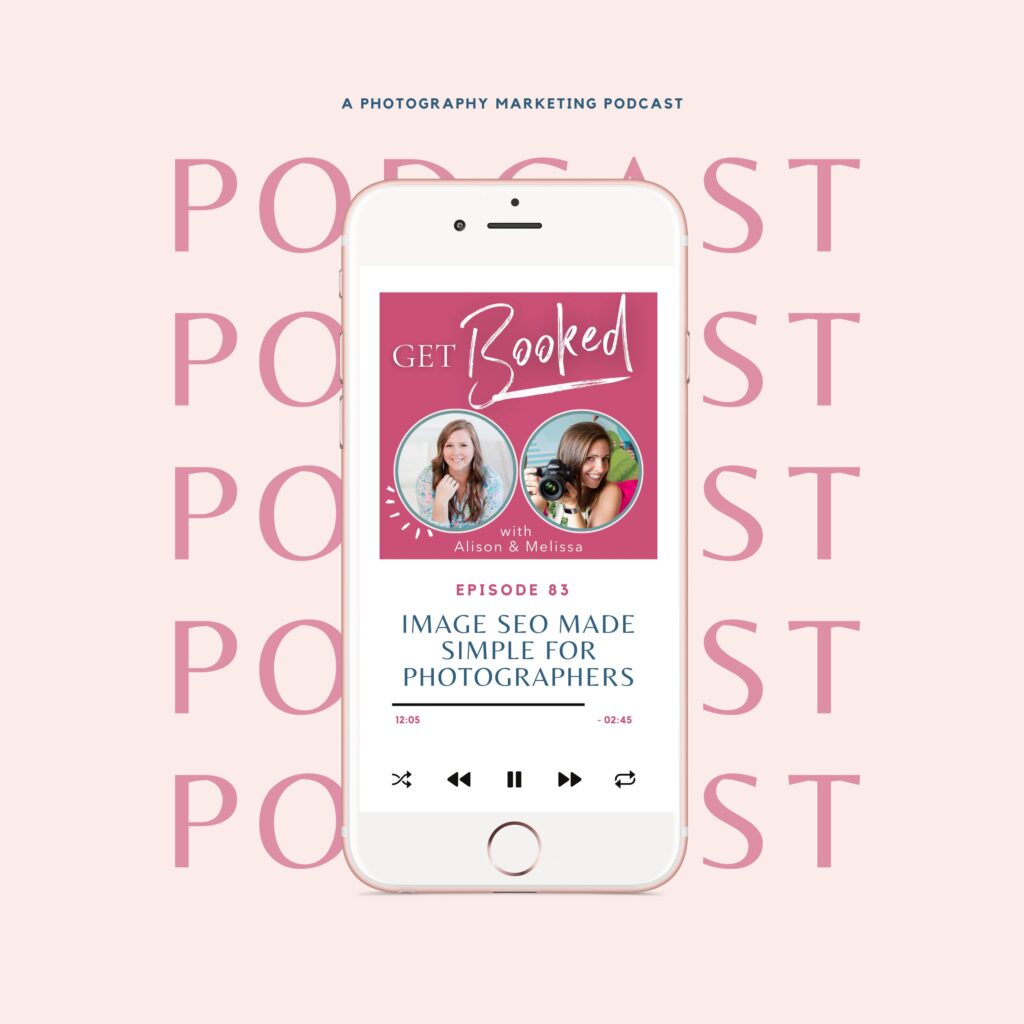
Your images could be the reason you’re invisible on Google—or the secret weapon that gets you found. Are your photos helping or hurting your search rankings?
As photographers, we’re in the business of beautiful imagery. But here’s the thing Google can’t actually see your photos. It needs text signals to understand what’s in them. And if you’re uploading files straight from your camera with names like “DSC_4567.jpg”? You’re essentially making yourself invisible to Google image search.
In this episode, we’re breaking down exactly how to optimize your images for SEO—from file naming strategies you can set up once in Lightroom to the alt text mistakes that might be flagged as keyword stuffing. Plus, Melissa shares a cringe-worthy (but educational!) story about a client whose misspelled image file name had her showing up for searches she definitely didn’t want to rank for. Spoiler alert: it involves swapping a “B” for a “P” in the word newborn. Yikes.
What You’ll Learn:
- Why image SEO matters for page speed, accessibility, and getting found in Google image search
- The exact file naming formula to use when exporting from Lightroom (plus how to set up presets so it’s automatic)
- Sizing specs: 2000 pixels on the long edge, 72 DPI, and why you want files under 500 kilobytes
- How to write alt text that’s SEO-friendly without getting flagged for keyword stuffing
- Free tools to compress your images (JPEG Mini, Short Pixel, Tiny PNG)
- The alt text mistake that had Melissa calling Alison out—and how to avoid it
3 Things To Do After This Episode:
- Check your most recent blog post—are your image file names descriptive with keywords and location, or are they still “IMG_1234”? Fix them!
- Create a Lightroom export preset for web images (2000px long edge, 72 DPI) so you don’t have to think about sizing again
- Download the Image Optimization Checklist and tape it near your desk for reference
Skip to the Good Part:
- [00:00] Alison’s Map Out Your Marketing Workshop announcement
- [01:05] Why image SEO matters for photographers
- [02:10] The embarrassing misspelled file name story
- [03:30] Using image search to dominate venues and locations
- [04:35] File naming best practices
- [07:12] Image sizing specs (pixels, DPI, kilobytes)
- [10:20] Lightroom export preset tips
- [10:45] Compression tools: JPEG Mini, Short Pixel, Tiny PNG
- [12:45] What is alt text and why it matters
- [14:00] Alt text examples and best practices
- [15:30] How to avoid keyword stuffing with variation
- [16:26] Image Optimization Checklist download
Resources Mentioned:
- Image Optimization Checklist: Grab Your Image Optimization Checklist
- Map Out Your Marketing Workshop (February 4th): Get on Alison’s email list for details
- JPEGmini | Leading JPEG Compressor & Image Size Reducer
- ShortPixel Image Optimizer – Compress & Convert to WebP & AVIF
- TinyPNG – Compress AVIF, WebP, PNG and JPEG images
Transcript:
Ep 83 Image SEO === [00:00:00] Alison: All right guys. Today we are talking about image, SEO. Um, but before we start, uh, I wanna let you know I am hosting a pop-up workshop, my first ever February 4th. Um, it’s called Map Out Your Marketing. It’s gonna be 90 minutes to a 12 month roadmap. This is a live workshop we’re gonna be on, probably Google Meet, uh, at the. Who knows at this point when we’re recording. Um, but we are gonna take the time to work together, 60 to 90 minutes to get your marketing done for the entire year so that you can be proactive and get booked. You see where we’re going here with this? Yeah. So we’re talking high level overview of your entire year, both family and personal spouses, jobs, all those things. Um, laying the groundwork for what you wanna do for the year and when, so that you can get your marketing. Scheduled out and done. Um, so if you wanna get in on that, you do need to be on the email list. It’s not gonna be on my website, so get on that email list, show notes in, or the link is in the show notes. Or just DM [00:01:00] me on Instagram at Alison, be bot talk and I’ll help you out if you can’t find it. All right, let’s go. Let’s talk about image seo. [00:01:05] Melissa Arlena: So I feel like as photographers, you know, this is an area we all have to pay attention to because it’s a big, big [00:01:12] Alison: Mm-hmm. [00:01:12] Melissa Arlena: So the big thing is like why does image SEO matter? And there’s a couple different things on why it matters. So the first one is that. Uh, the size of your image matters, guys. These [00:01:22] Alison: Oh my God, this is huge. [00:01:24] Melissa Arlena: are putting out files that are ridiculous. [00:01:27] Alison: Yeah. Have you seen what the R five does? Like I don’t, I don’t have a computer to manage that size. No. [00:01:33] Melissa Arlena: when you start off with this super ginormous file and then you try to load that to your website, you are gonna kill it. Like even if your hosting provider will downsize things, it’s still not helping you when you do that. So images can really make or break your page speed. Um, and Google cares a lot about that because if your page is slow and people. Like, oh, abandon it and move off. They’re like, oh, it’s a [00:01:55] Alison: Yep. [00:01:55] Melissa Arlena: So you wanna make sure that your images are the right size. Um, also Google [00:02:00] can’t see your photos. I wonder if some of that might change with AI and stuff like that, being able to recognize things. But for, for purposes, at least Google can’t see the image [00:02:10] Alison: Yeah. [00:02:10] Melissa Arlena: what it is. Um, it needs some text signals to understand it and everything. And then [00:02:15] Alison: Yeah. [00:02:16] Melissa Arlena: optimize your images properly, that’s another area to rank. Like Google image search will give you real traffic. I mean, I’ve actually been on Google [00:02:23] Alison: Mm-hmm. [00:02:24] Melissa Arlena: this week, um, looking for, it’s gonna sound funny looking for couches and stuff because I wanna see pictures. I don’t wanna see like website descriptions. I wanna see actual photos of what the couch looks like. Uh, and I also know that. If you have your images like properly named, they will show up in Google search results and people will click on them and and stuff. And I know this because I had a client super sweet who was coming up for, um, not newborn, but change that B to a P and her poor, her search console was full of like horrible search and we were trying to figure out what was going on. And it turned [00:03:00] out she had a couple images in two different blog posts that she just had misspelled. And she was coming up for things, and that’s when I was like, well, [00:03:07] Alison: That’s so sad. [00:03:09] Melissa Arlena: like a, a hardcore story of like, if you name your images wrong, you, you know, if you name ’em right, [00:03:15] Alison: This really matters. [00:03:16] Melissa Arlena: in image search and [00:03:17] Alison: Yeah, it was image. Image search was one of my big goals when I was first starting out of coming out. Um, and showing up in new locations every time I moved to be like the go-to for those locations, um, for popular locations. So this? Mm-hmm. [00:03:33] Melissa Arlena: like wedding venues. I [00:03:35] Alison: Yeah. [00:03:35] Melissa Arlena: like, I wanted to dominate the image search for certain wedding venues and stuff, because if everybody, and, [00:03:41] Alison: Yeah. [00:03:41] Melissa Arlena: look too and like check on it to see like my images would stand out compared to others and stuff. So a hundred [00:03:47] Alison: Yeah. [00:03:47] Melissa Arlena: like nowadays we don’t think about that as much, but um, but image search is still a big thing and people are still using it. [00:03:54] Alison: Mm-hmm. Yep. And it’s in your search console, uh, overview every month too. So, you know, [00:04:00] we know that you have left a website. Hit that back button because it took too long to load. I know you have, we all have done it. That is because, largely because the image size and SEO is the reason that you left, like that image size, the way they were doing or failed to do it is what killed your user experience, which is why it matters so much to Google. Google is all about the end user experience. So whether you’ve got a background image, the blog images, your, your favicon in the top or like your little profile. It, it all has to be the right size for its purpose. Um, so first up is a file naming. [00:04:35] Melissa Arlena: Yeah, which [00:04:36] Alison: Um, raise your hand. [00:04:37] Melissa Arlena: but there’s more to it. But yeah. [00:04:39] Alison: Yeah. Yeah. So if you were, um, a file naming, you know, straight outta the camera, your DSC [00:04:46] Melissa Arlena: that so many times. [00:04:46] Alison: number, number, number, um. You’re doing, you’re shooting yourself in the foot that does nothing for Google. You need to rename before you’re uploading. So you need to be exporting out straight outta Lightroom with whatever your description is, [00:05:00] whatever’s going on. So that can be a formula, a keyword descriptor, location number. You can set this up to custom exports and Lightroom to be whatever you need. Um, and you can set up presets to be like, here’s my newborn. Sport renaming, here’s my, whatever niche you’re doing or whatever location, or even you could do it by your shoot place, like your shoot location. Um, you can, you can set all this up in work in, in Lightroom for your export workflow. Um, but you’ve got to be specifying the image in, in what you’re talking about. Um. [00:05:33] Melissa Arlena: like I have for, um, if I’m at a location for like a maternity session, I’ll put that location like such and such winery in my file name because [00:05:41] Alison: Mm-hmm. [00:05:42] Melissa Arlena: search I [00:05:42] Alison: Yeah. [00:05:43] Melissa Arlena: up. If I’m trying, if I’m doing a newborn session in Richmond, I will put, you know, Richmond newborn session or something like that along with the family name because I need to remember who it is. But I will put all of [00:05:53] Alison: Yep. [00:05:53] Melissa Arlena: there and I deliver it that way to clients. So my clients will get a thing that’s [00:05:56] Alison: Mm-hmm. [00:05:57] Melissa Arlena: Jones dash newborn or Jones dash [00:06:00] family dash richmond dash newborn dash session. And so if they post it anywhere, it [00:06:04] Alison: Yeah. [00:06:04] Melissa Arlena: me too, baby. But, oh, and I put my [00:06:06] Alison: Yep. [00:06:06] Melissa Arlena: in too, like especially for stuff for [00:06:08] Alison: absolutely. So. When I am, when I’m creating a blog post, and it doesn’t matter if I am doing a travel blog, post session share or client education, I do the same thing. I go, I go collect my, my stuff, I export it to a single file, um, usually with the target keyword in there. And then I go to that, that folder and I change them. I, I describe them, I add the location, I do my sub keywords. I’ll do my like second. Those are like the secondary keywords that I wanna come up for. So like, um, like most recently I did like. What to do with teenagers in Oahu. ’cause I have those now. It’s so weird. [00:06:43] Melissa Arlena: I have one too [00:06:43] Alison: Uh, but like, um, so it was, you know, my target keyword was things to do with teens or Oahu with teens. Um, so I would add things like cava, things to do, paddleboarding things to do with teenager snorkeling, um, and changing it up a bit so that it [00:07:00] was similar. But different. So I do all of that before I ever upload anything that is on the front end of the organizational process for, for my blog blogging process. Um, what about size? [00:07:12] Melissa Arlena: well, we covered size a little bit on like why you, you know, [00:07:16] Alison: Mm-hmm. [00:07:16] Melissa Arlena: about sizing, but let’s talk about like, okay, what does that mean? [00:07:21] Alison: Yeah. [00:07:21] Melissa Arlena: so for me, I kind of look at. 2000 pixels on the long edge, and this is not what I’m delivering to a client. This is for social media, this is for my website. This is for stuff like that. Like for a client, you obviously wanna deliver, you know, top quality or whatever that they can get printed. But if it’s going on your, your website or your blog, you don’t need the top quality. Like you don’t need print quality, you need what we call web quality. So I like to kind of just go with a basic of 2000 pixels on the long edge that covers about 90% of my images, I would say. And then I export those at 72 DPI. So that is for web. Typically print is like [00:07:55] Alison: Yep. [00:07:55] Melissa Arlena: 50 to 3, 2 40, 300, something around there. But 72 is for [00:08:00] web. And I, I aim, I aim to try and get my files and other people’s files under 500 kilobytes, which now that is, that is larger than what I used to say. But because these cameras are putting out such high file sizes, it is hard to get those images down small. The good news [00:08:18] Alison: Yep. [00:08:18] Melissa Arlena: guys are all competing against each other when it comes to like that. So the, it’s nice because everybody has. Too large of file sizes in that sense, you know? ’cause when you run it through some of the different image checkers, they’ll tell you, oh, you need to get that under a hundred kilobytes. And I’m like, well, that’s not gonna happen without making it look like trash. And none of us want us want [00:08:36] Alison: Yeah. Mm-hmm. Yeah. [00:08:39] Melissa Arlena: that game where I wanna get it small enough that it’s gonna be fine on my website. But not so small that it looks like crap, because that’s not [00:08:47] Alison: Yep. [00:08:48] Melissa Arlena: hired. So, trying to get it under 500 kilobytes, that’s pretty much been the goal for me, and we’ve been able to do that for most of our clients. Um, anything that you are looking at your, your stuff and you see like one [00:09:00] mb, two mb, five mb, [00:09:02] Alison: Nope. [00:09:02] Melissa Arlena: gotta go fix those, fix those [00:09:04] Alison: X that X that out real fast? [00:09:06] Melissa Arlena: and again, [00:09:06] Alison: I, yeah. I use, [00:09:08] Melissa Arlena: on that. [00:09:09] Alison: yeah, I use the similar rules. Always 72 DPI, um, I use 2000 for my header images, and then I’ll go even smaller if I know it’s gonna be [00:09:18] Melissa Arlena: a [00:09:18] Alison: smaller. [00:09:18] Melissa Arlena: I actually have to go larger for my background. Canvas header images that stretch across my [00:09:23] Alison: Oh, yeah, yeah, yeah. [00:09:24] Melissa Arlena: typically [00:09:25] Alison: Mm-hmm. [00:09:25] Melissa Arlena: like 2,600 is good for that, uh, without [00:09:29] Alison: Mm-hmm. [00:09:30] Melissa Arlena: bad. Uh, and then yes, if it’s gonna be a vertical image on my website and be small, I’ll size that to like 900 pixels on the long edge. [00:09:39] Alison: Yeah. [00:09:39] Melissa Arlena: doesn’t [00:09:40] Alison: Yeah. [00:09:40] Melissa Arlena: point. Okay, well I can save a little bit here because obviously the header needs to be super huge. So it’s just kind of that [00:09:46] Alison: Mm-hmm. [00:09:46] Melissa Arlena: Um, so 2000 is that golden rule kind of thing for me. But then I might go larger for a header. I’ll go smaller if I know the images are gonna be smaller on the website. Um, and then that can be, you know, that can help fit with things. And like [00:10:00] Allison said, I’ve got Lightroom export settings for that. when I, and with Lightroom, it’s really cool. You can set it up so that you can export like multiple versions at one time. So you can hit the little check boxes and I’ll export my full size files for my clients. And then I’ll export my social media files at the same time to a different folder with different export settings. And I just click the button and walk [00:10:21] Alison: I’ve never done that. [00:10:23] Melissa Arlena: yeah. [00:10:23] Alison: never done that. But I don’t export everything for both. Like I use the, [00:10:27] Melissa Arlena: Well [00:10:27] Alison: I use Lightroom pick times, uh, upload things. So I don’t ever export ’em for clients anymore. And then I only do like a handful for, um, so I didn’t know you could do ’em at the same time, but that’s cool. I [00:10:36] Melissa Arlena: honestly that is my leftover from before. I did pick time when I used to export it myself and then manually [00:10:41] Alison: Oh yeah. Yeah. [00:10:42] Melissa Arlena: So that’s how I know you can do it. Um, but yeah, I definitely, now at this point it’s mostly social media ’cause it just goes on to pick time. Um, but, uh, some other things you can use. Uh, JPEG Mini is a plugin that I have and I love and it actually, uh, is a plugin for Lightroom and then they have a standalone. I think I have both versions and so it will make my files. [00:11:00] than what normally would come out of Lightroom. And then with the jpeg [00:11:04] Alison: Mm-hmm. [00:11:05] Melissa Arlena: I use that for clients all the time because they’ll send me their exported photos at the right size and they’re still kind of large. And so I’ll drop ’em into jpeg mini it compresses them down smaller so that that way we’re not taking up as [00:11:16] Alison: Yeah. [00:11:16] Melissa Arlena: everything. Um, short pixel, tiny PNG, those are some other ones you can do. If you’re like, Ooh, this image is a meg and I can’t seem to get it lower. Try those things. Your website, uh, Squarespace show it. Um, they’re probably gonna auto compress things. WordPress now is doing the whole like, uh, was it WebP files? Yeah. They’re doing another type of file that’s supposed to compress things too. So be aware of [00:11:40] Alison: Weird. Yeah, [00:11:41] Melissa Arlena: about [00:11:41] Alison: I know she, [00:11:42] Melissa Arlena: it though. Um, and it’s [00:11:43] Alison: yeah. I. [00:11:44] Melissa Arlena: quality, but smaller sizes. Um. [00:11:47] Alison: Show, it really does brag, excuse me, show it really does brag on their, like, upload, whatever, and we’ll compress it and site speed, all this other stuff. And we both use extra site speed stuff. So like, yes, it’s [00:12:00] nice and I, it’s good practice, but uh, it’s not every, it’s not the end all be all, [00:12:05] Melissa Arlena: that’s the [00:12:05] Alison: um, for when it comes to that. [00:12:07] Melissa Arlena: um, if you’re compressing this stuff down again, you’re not gonna compress it so far that they’re gonna notice a quality difference. But [00:12:13] Alison: Mm-hmm. [00:12:14] Melissa Arlena: the load time difference between a five megabyte file and a 500 kilobyte file. [00:12:19] Alison: Your clients won’t know the quality difference, but they’ll know the speed too. They will notice that speed. And just a little organizational tip on this guys, when you’re exporting all this stuff, you can either put at the end that this is web only, or put the actual dimensions you wanna put on there so that you aren’t trying to like go print this or use it for the wrong format and get confused. I. [00:12:39] Melissa Arlena: like it would go in [00:12:40] Alison: I use, I use folders. All my blog posts have their own set of folders for their exported images. My clients have their own set and then anything I print has their set. So keep in mind your organization on this, on the front end and, and systematize it. Um. All right. Alt text. Uh, okay, so what is alt text? ALT stands for [00:13:00] alternate or alternative, something like that. Yeah, it’s the text description that Google can read because it’s words, right? It’s a description for the screen it for those screen readers. So screen reader being the things that. Uh, a DA compliant read things out for, um, for visually impaired. So why photographer skip it? It’s tedious. Like I skip it ’cause it’s annoying. Like, who wants to do that? Um, it’s, it’s, [00:13:26] Melissa Arlena: about that, so. [00:13:27] Alison: yeah. Mm-hmm. It, yeah, she did. Um, so. It helps the visually impaired user see your site, right? So how do we do it? What do we do? It we, it you describe what is in the image. So not just your keyword or your target keyword, like where it was taken, but family of three, family of four, infant, child, wedding, outdoors. Um, you, you wanna keep, use some variation of your keyword naturally in there as well, but. Keep it under 125 characters and don’t start, oh, I didn’t know this one. Don’t start with image of or photo [00:14:00] of it. Already knows it’s a photo. [00:14:01] Melissa Arlena: an image. So, you know, I like to do stuff where if I, like, let’s say I have a maternity session, a winery, you know, it might be, um, a mom looking at pregnant belly at Veritas Winery. You know, something like that. Um, or it could be something, you know, if it’s, uh, a newborn session, maybe it’s a sleeping newborn girl in pink at Studio session in Charlottesville. That one’s probably a little long, but, you know, something like that where I’m working in, you know, something like, maybe it’s a. Uh, one that I always use is stuff like, uh, baby, a sleeping crib at Charlottesville, newborn session, something like that. And [00:14:37] Alison: Yeah. [00:14:37] Melissa Arlena: of lets them, so it’s letting them know like what it is. And I’m sure the screen reader person is like, why’d she bother telling me the location? But sometimes people may wanna know, but I’m doing it for SEO. [00:14:45] Alison: Yeah. Yeah. So to wrap up bad is the file name MIMG 5 4 6. That’s bad. Okay. Okay. You’re doing better if you use something like newborn photo. Still lame, still not great. [00:15:00] But what we want, the goal is something like, quote, sleeping newborn baby girl wrapped in pink during studio session in Charlottesville. End quote. So, um, one thing you wanna make sure you don’t do, and this is something that, this is what she was yelling at me for, is using the same alt text on every single image. My habit, as I mentioned, is I export it all with the same target key word. I go into that folder and I change it up a smidge, and then I just use a plugin that takes the file name and makes it an alt text. So it’s basically the same phrase, [00:15:30] Melissa Arlena: those things where [00:15:31] Alison: every image. [00:15:32] Melissa Arlena: Noal text. [00:15:33] Alison: It’s, I’m at the, okay. I’m at an okay. [00:15:36] Melissa Arlena: be seen as like keyword stuffing, that kind of thing. So, um, just going back, and [00:15:41] Alison: Yeah. [00:15:42] Melissa Arlena: too I like to tell people is don’t, don’t use that keyword the same all the time, like variation. So instead of, it could be Charlottesville newborn session for one, it could be Charlottesville newborn photos for another. It could be newborn photography in Charlottesville for another is how I mix it up. So even though I’m still saying like newborn. [00:16:00] Charlottesville over and over. I’m saying it in different ways and different phrases so it doesn’t look like keyword stuffing over and over the [00:16:06] Alison: Yeah. [00:16:07] Melissa Arlena: So, um, well guys, so I know this can be like, okay, well you told me all this. Now what I do have an image optimization checklist that you guys can download, um, and print out and just. Ticket in your drawer and then you can reference it anytime you’re uploading to your blog or exporting images. It covers the file, naming the sizing, specs, and reminders about alt text. So everything we talked about today in one simple download, um, I will have that link in the show notes for you guys so you can grab it in there. [00:16:33] Alison: Awesome. And don’t forget, uh, we got that workshop coming up. The popup map out your marketing is coming up February 4th. Is that what I said? Uh, details in the show notes. Reach out to me if you need help accessing it. Thanks guys. [00:16:47] Melissa Arlena: Bye.
Tired of being invisible on Google? Learn the 5 SEO mistakes keeping photographers from getting found (and how to fix them) in Melissa’s free masterclass: 5 SEO Mistakes Killing Your Photography Business Masterclass
Thinking about a pivot or transition in your photography business? Book a free 15 minute discovery call with Alison to talk through your next move.
Ready to streamline your content? Melissa’s got you covered with her 35+ Blog Post Topics freebie—grab them here: https://35topics.com
Looking for your next clients? Grab Alison’s list of 39 FREE ways to get more bookings—no ads required: 39 Ways to Get New Clients – Alison Bell
Links:
- Leave a review in Apple or on Spotify
- 5 SEO Mistakes Killing Your Photography Business Webinar
- Download 39 FREE Ways to Get More Clients
- Get Melissa’s Free Blog Post Topics
- Find Alison on IG @getbookedpodcast
- Find Melissa on IG @pictureperfectrankings
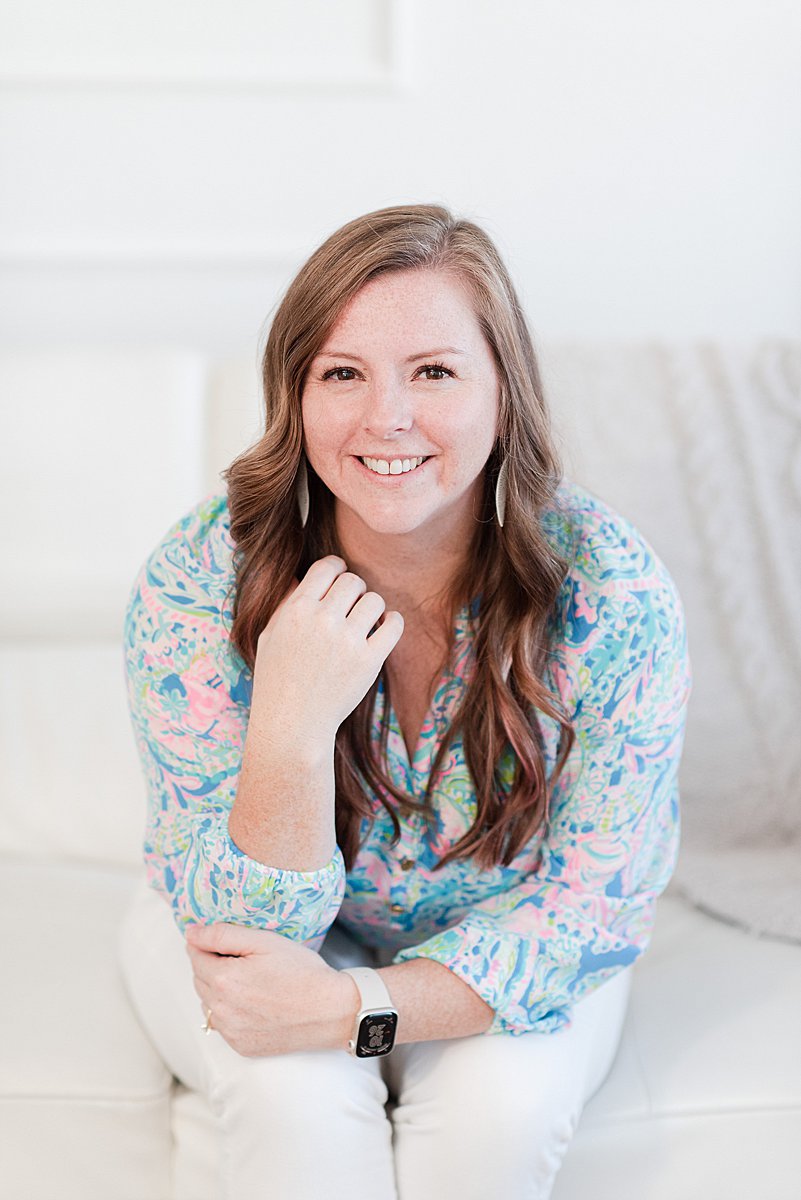
I’m Melissa Arlena, founder of Picture Perfect Rankings, where we help portrait photographers get found on Google and transform from invisible experts into market leaders. With 15+ years of photography experience and an IT background, I’ve helped hundreds of photographers break free from feast-or-famine cycles by achieving page 1 rankings that attract their dream clients through search.
Leave a Reply


I'm Melissa Arlena(my friends call me Mel) and I help photographers get found on Google.
Read more about me

I'm so glad you're here
Hello!
© 2023-2026 Picture Perfect Rankings : SEO for photographers. all rights reserved. privacy policy.