


10 Ways to Use AI In Your Photography Business
Wondering how to use AI in your photography businesses? It feels like everyone is talking about using AI to edit your photos, but in this article, I’m sharing ten ways I’m using AI almost every single day to help me grow my business behind the scenes. If you haven’t been an early adopter of AI yet, I hope you enjoy learning about these practical, real-world ways to use AI in your photography business to enhance your work without replacing your personal touch.
Table of Contents
But before we dive in—Hi! I’m Melissa—an SEO expert helping portrait photographers get found by dream clients on Google, without the tech overwhelm. Whether you want done-for-you services, coaching, or blogging strategies, I’ve got you covered. Ready to stop being the best-kept secret in your market?
Want the full conversation? Listen to the podcast episode with Alison & me. Prefer to skim? This post breaks it all down step-by-step so you can start implementing right away.
If you feel like you’re “late” to AI, you’re not alone. Allison (my cohost on the Get Booked podcast!) is the first to admit she’s not an early adopter—yet even she’s seeing how unavoidable it’s become: it’s baked into inboxes, search engines, and social platforms. And honestly? If the slow-to-adopt people are using it, it’s probably worth exploring what it can do inside your photography business.
But let’s get one thing clear from the start because this is where I get a little spicy: AI is everywhere right now, and most people are barely using it. And that’s frustrating, because the goal isn’t to replace you. The goal is to support you.
AI should enhance your work, not erase your voice.
1. Meeting Notes
If I had to pick one AI tool that’s earned its keep a hundred times over, it would be Fathom (and yes, I pay for it). It records meetings and automatically creates notes and action items so you can stay present instead of staring down at a notebook while your client wonders if you’re actually listening.
This is especially useful for:
- client consults
- discovery calls
- coaching sessions
- collaborative meetings with other photographers
Basically, anything where you’re trying to retain details and build trust.
Using AI For Client Meetings
Here’s how I’d frame it to a client so it feels professional (not weird):
“Hey, do you mind if I record this? I don’t want to miss anything you share, and I want to make sure I’m fully paying attention and we cover everything that matters.”
After the call, you get a clean summary of what you discussed plus tasks: like “follow up,” “send the proposal,” “deliver the pricing guide,” etc. It’s basically a built-in assistant who never forgets what was said.
And for anyone thinking, “Yeah but I still take notes…” same. I’ll jot a few things down. But having the full recap and tasks is what keeps things from slipping through the cracks when your week gets packed.
A little extra note here: There are tools out there (I think Firefly is one) that will join the meeting even if you’re not there and take notes on your behalf. And I’m going to be honest: that feels… a little sketchy. Not because AI note-taking is bad, because it’s amazing, but because how you use it matters. If you’re going to record clients or meetings, always lead with transparency and permission.
If I had to pick the AI tool that gives me the biggest return on time and mental energy, it’s still Fathom. I keep it turned on, and I genuinely love it—it’s probably my number one.
Using Fathom For My Blogging Club and Group Coaching
Beyond my photography business, I use it in things like my blogging club and group SEO coaching too. I’ll have it record the session, then I can share the link afterward so people get both the video and the notes. The other day I was walking a few girls through something that was really specific to them, and I told them, “Don’t worry about taking notes. I’ll send you the link and you’ll have everything.”
That’s where it becomes more than “AI notes.” It becomes a better client/student experience. It’s become one of my favorite ways to use AI.
2. Alt Text
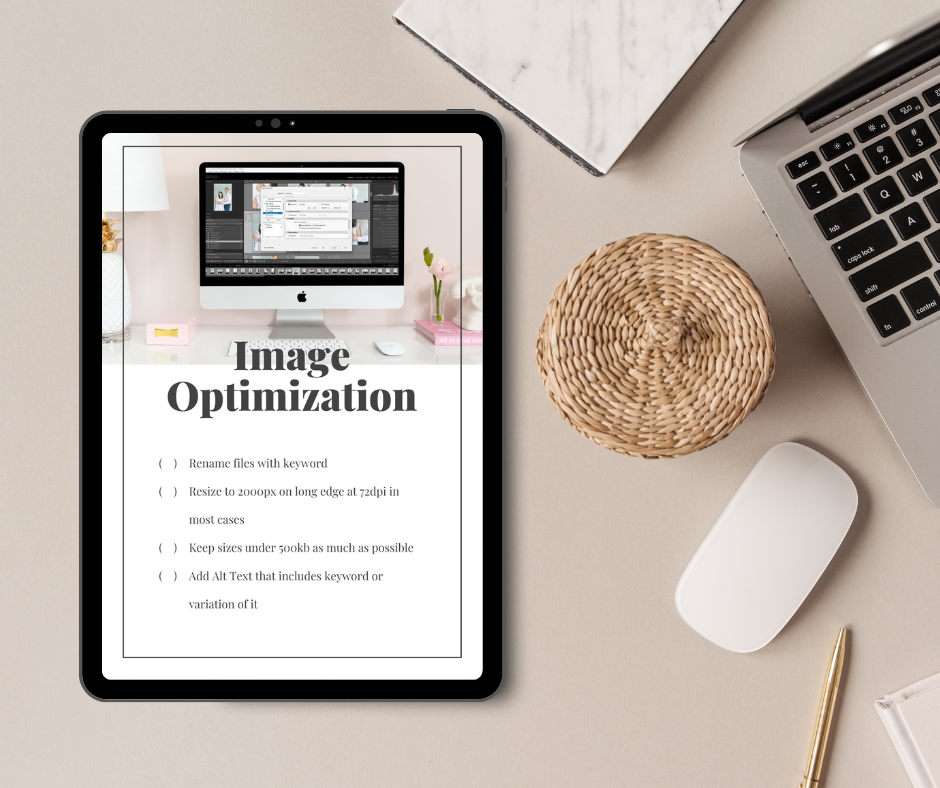
This is one of the easiest ways to start using AI in your photography business. If you want to get a better understanding of why alt text is so important, tune into this episode all about image SEO.
Here’s my workflow for writing alt text quickly:
- Put your images in a folder (with the file names visible).
- Screenshot the folder so the filenames show.
- Upload the screenshot into Claude or ChatGPT.
- Paste your keyword list for the page (you need more than just one keyword).
- Prompt it to write alt text that:
- accurately describes each image
- naturally includes the keyword (and variations)
- avoids repeating the exact same phrasing
Then it’s just: copy, paste, copy, paste—done. If you’re not sure how to properly optimize your images for SEO, make sure to grab this Image SEO Checklist too!
3. Writing Support
Another place I use AI constantly is writing support (especially when I’ve already written the core message, but it’s choppy or not quite “me” yet).
For example, I needed to send an email to a group of affiliates. I wrote what I wanted to say, but it wasn’t polished. So I dropped it into Claude with my brand tone and asked: “Can you make this sound a little more personable?”
It kept the information. It just cleaned up the flow, adjusted the formatting, and gave it a little lift.
And you can do the same thing in any direction:
- make it warmer
- make it shorter
- make it more direct
- remove snark (or add snark)
- add softness
The “Write It Angry, Send It Calm” Trick
This might be my favorite practical use case.
If you’ve got a client email that’s pushing your buttons, you can write the raw version—the emotional version—the version you cannot send. Then you prompt:
“I can’t send this. Remove the emotion and rewrite this in a kind, professional tone.”
4. Research for Local Blog Content
If you write local SEO content—vendor posts, location guides, “best of” lists—this is a game changer.
I’ve done posts like kid-friendly restaurants in Charlottesville. I crowdsourced a list in a local Facebook group, then I dropped the names into Claude and asked it to find:
- website URLs
- addresses
- hours (if available)
- a short note/description
Then it’s just copy and paste into my blog draft.
This used to take me an hour, minimum, especially when I was doing things like newborn stores, maternity shops, doulas, etc. Now it takes seconds.
You can even ask AI to pull a directions link so you can hyperlink the address (these little things that save time add up fast).
5. Repurposing Podcast Transcripts Into Content
While you might not have a podcast as a photographer, for me, the podcast is a big part of my weekly content. My cohost Allison and I outline ahead of time what we want to talk about and then we repurpose the transcript into multiple formats.
Here’s what I do:
- pull the transcript
- have Claude summarize it to refresh my memory (especially because we record ahead of time)
- use it to write the email that goes out about the episode
- convert it into a blog post format that reads like a structured conversation or topical authority piece
And Allison uses the transcript the same way for show notes. We have a template with the format and the links that go into every episode, and AI helps us generate the show notes quickly.
I’m okay with using AI to create a blog post from a podcast transcript because this is Alison and I creating original content. We aren’t asking it to “write a blog post” from scratch.
6. Ad Copy, Creative Direction, and “What Do I Even Say?”
Let me be honest: ad copy is not my natural skill set. I can teach, I can explain, I can run a business—but when it comes to hooks, calls to action, and writing something that grabs attention in two seconds? That’s not where I feel confident. I’m not the cool person.
And that’s the thing about ad copy: it’s not always about your expertise. It’s about attention and psychology—what makes someone pause, click, or keep watching. Allison said it perfectly: the hooks, the getting-to-the-point, the storytelling… it can feel miserable if that’s not how your brain works.
So this is one of my favorite ways to start using AI in your photography business.
Creative Direction for Reels and Ads
This is where AI has surprised me the most: creative planning.
I was creating an enrollment Reel for the Motherhood Anthology (I handle their marketing), and I had some rough ideas but I needed structure. So I put my thoughts into AI and asked it to help me build the flow.
It didn’t “make the Reel.” It didn’t generate visuals. It just helped answer:
- What should we show?
- What shots do we need?
- What order should it go in?
- What’s the arc of this 15–30 seconds?
I built the graphic slides. Then Ali made it magical—music, timing, editing, all of it. And when we ran it as an ad, we got two sales the first day just from that Reel.
That’s the kind of result that makes you go: okay… maybe this is worth using.
7. Use Your Website Copy as “Memory” For Consistent Marketing
You’ve already spent a ton of time crafting your website copy. You worked for those words. So why start from scratch every time you write an email or post?
Try this workflow from Allison:
- take full-page website screenshots (using GoFullPage)
- upload them into AI so it can “read” the messaging
- use that as a reference point so content stays consistent with your voice
Then when you write a blog post—whether it’s travel/local content, client education, or prep—you can ask AI to repurpose it into:
- an email
- social posts
- Reel concepts
- carousel ideas
- B-roll suggestions
- pull quotes for graphics
- quick action tips
Not just “write me captions,” but: break this into content I can actually use.
(If you want to dive into this more, check out episode 27, “One Week of Marketing From a Blog Post.”)
8. Audit Your Client Emails.
I mentioned above about having AI polish an email that you want to send to a client (that sounds a little too spicy), but you can truly use AI in your photography business to audit all of the emails you’re sending (including the ones that live in your CRM or email marketing software).
If you pull all of your current client emails (or your onboarding sequence) and have AI review them, it can point out gaps—places where you’re repeating yourself, missing common questions, or leaving people confused.
Use Inquiry Emails as a Content Goldmine
This is something I really want to do in 2026: save inquiry messages, especially the questions people ask in that inquiry form description box, or follow-up emails during the inquiry stage.
Because those questions are telling you exactly what your potential clients are worried about, curious about, or unclear on. That can become sales or marketing copy for you.
And if you collect enough of them, you can ask AI:
“What are the most common questions and themes in this document?”
If the same question keeps showing up, that might mean:
- your website isn’t answering it
- your pricing guide isn’t clear
- your onboarding sequence needs filling in
- or you need a blog post/Reel/FAQ that covers it
Which is exactly where AI helps best: helping you spot patterns faster than your brain can.
9. Have It Organize Your Thoughts While You Talk It Out
This next part is technically “business-adjacent,” but the workflow is so applicable to photographers that it’s worth calling out.
My cohost Allison shared with me that she’s been doing quick live videos in a Facebook group because it’s the fastest way to get information out. But here’s the genius part: while she’s live on her phone, she has Google Meet with Gemini open on her laptop behind her, and it takes notes in real time—for free.
Then she can send those notes to someone to reformat into an email, so:
- people don’t have to watch the video
- the info becomes searchable and referenceable
- the message lives in more than one format
Photographers can steal this exact idea for:
- Instagram Lives
- quick client updates
- behind-the-scenes education
- voice memos you want turned into an email or blog post
And honestly, this might be the biggest “quality of life” upgrade: using AI on your phone so you can speak instead of type. Talking is faster than typing. It feels more natural. And when you can get ideas out of your head without having to “write them properly,” you can make more progress faster.
10. AI as Your Transcriptionist
This is where people overcomplicate it. You don’t need some elaborate automation to get value.
The other day I needed a checklist for onboarding, and I literally said:
“I’m going to tell you everything that needs to happen, and then can you please turn it into a checklist?”
That’s it. That’s the workflow.
AI becomes your transcriptionist and organizer. And that’s the kind of “small” thing that saves real time—because it removes friction from tasks you avoid doing until the last possible minute.
What Not To Use AI In Your Photography Business For
This is the line I want you to take seriously.
The biggest mistake I see is people asking AI to create something from scratch with no personal input. Like: “Write a blog post on what to wear for a newborn session.”
Sure, it’ll produce something. But it’ll be generic. It might not match your style. It might not match what you actually do. And without your stories, your preferences, and your opinions, it’s going to be boring as hell.
You’re the secret sauce. Photography is personal. People aren’t just hiring a camera—they’re hiring a person. Someone they trust with their family. Someone they feel comfortable with.
If your voice, values, and philosophy aren’t in your marketing—website, emails, Instagram—you lose what makes you you.
AI can support you, but it can’t be you.
Always Verify When You Use AI In Your Photography Business
Another non-negotiable: you have to check the work.
Even when you give AI a transcript and clear parameters, it can still hallucinate details. I saw it happen this week.
I was showing The Motherhood Anthology how I repurpose transcripts into blog posts, and Claude confidently wrote the guest as a teacher-turned-photographer.
She wasn’t. She’s a pharmacist-turned-photographer.
I only caught it because I submitted it and the team said, “Melissa… she wasn’t a teacher.” So I went back and asked Claude if it was sure, and it started citing “examples” it claimed were in the transcript.
I pulled the transcript. None of those examples existed.
So yeah, don’t blindly trust it. Use it for ad copy, ideation, drafts, structure—absolutely. But run everything through your own filter:
- does it sound like you?
- is it accurate?
- does it match your real process and preferences?
And please, put your personality into it.
The Biggest Thing To Remember When Using AI In Your Photography Business
Stories beat generic advice every time. This is the part that separates “AI content” from your content.
I’m tired of dry, boring tips that could’ve been written by anyone. People remember stories.
For example, don’t just say “avoid bright colors.” Tell them why. Maybe it’s because you don’t want to spend eight hours editing a baby’s face so it doesn’t look neon hot pink.
That kind of detail sticks. It’s specific. It’s human. It builds trust.
If you liked this post, we think you’ll love these:
AI Search SEO vs Traditional SEO: Why They’re Actually the Same Thing
How to Repurpose Blog Content Into 10+ Marketing Assets
How Long Does SEO Take to Work? The Truth About Photography Business Rankings
Wondering why your website isn’t bringing in inquiries? I’m covering the 5 biggest SEO mistakes photographers make in my free masterclass.
Watch now → https://pictureperfectrankings.com/5-mistakes
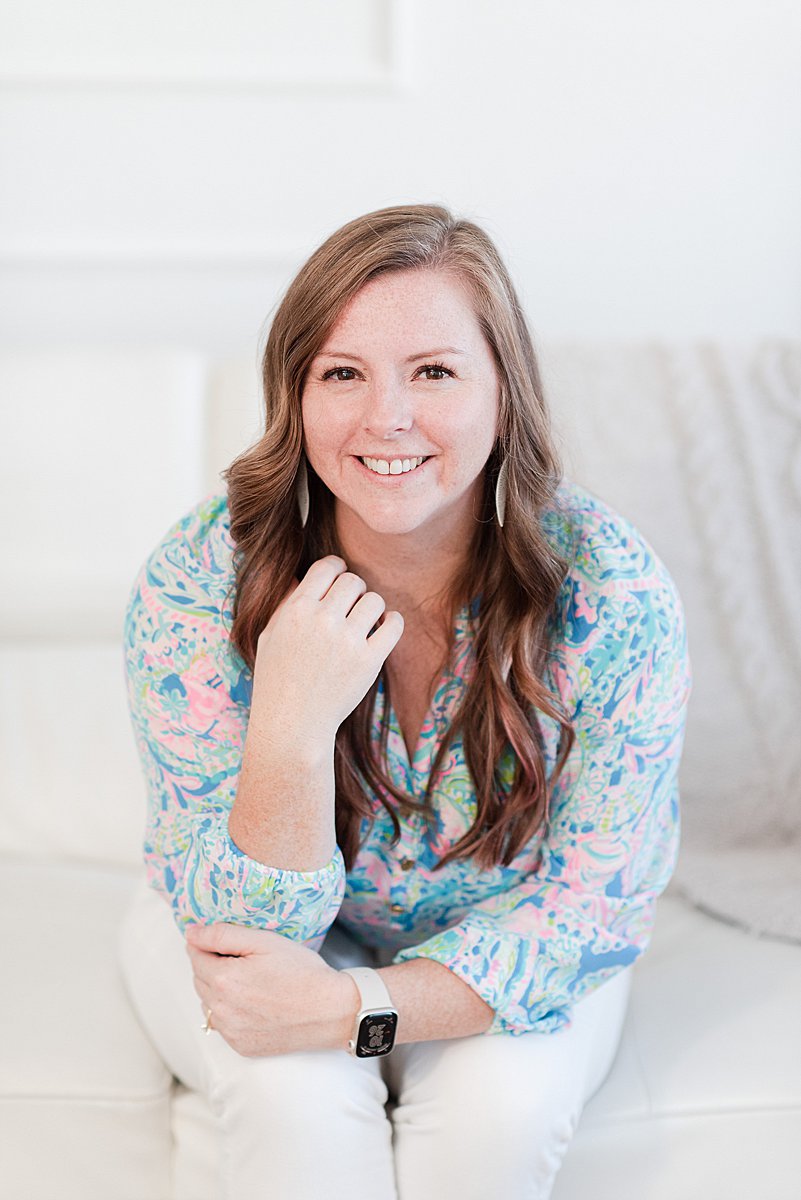
I’m Melissa Arlena, founder of Picture Perfect Rankings, where we help portrait photographers get found on Google and transform from invisible experts into market leaders. With 15+ years of photography experience and an IT background, I’ve helped hundreds of photographers break free from feast-or-famine cycles by achieving page 1 rankings that attract their dream clients through search.
Leave a Reply


I'm Melissa Arlena(my friends call me Mel) and I help photographers get found on Google.
Read more about me
I'm so glad you're here
Hello!
© 2023-2026 Picture Perfect Rankings : SEO for photographers. all rights reserved. privacy policy.